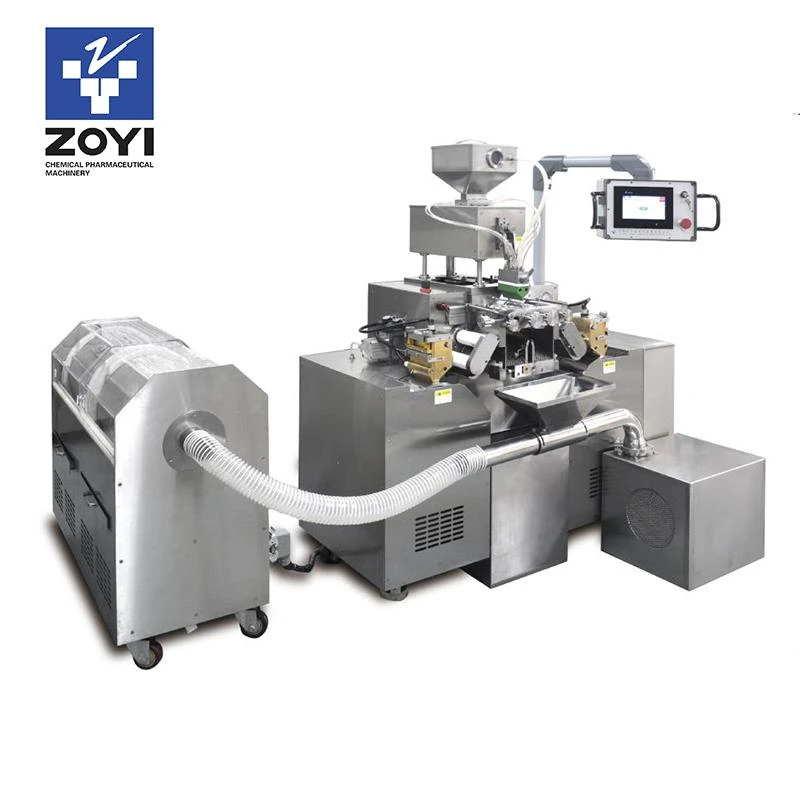
Troubleshooting Calibration Failures for Soft Capsule Machines
1. Check Hardware Connections and Mechanical Status
Confirm Standard Parts are Placed Correctly: Ensure standard weights or calibration capsules are in their designated positions, without any offset, looseness, or contamination.
Check for Mechanical Jams: Inspect the roller mold, pressure head, and guide rails for obstructed movement due to residual adhesive or foreign matter, affecting displacement sensor feedback.
Tighten Wiring Terminals: Check sensor signal lines and power cables for looseness, oxidation, or poor contact, especially in high-frequency vibration areas.
2. Eliminate Environmental Interference Factors
Temperature and Humidity Fluctuations: Confirm the calibration environment is stable at 20–25℃ and 40–60%RH to prevent thermal expansion and contraction from affecting metal component dimensions or sensor drift.
External Vibration Sources: Turn off nearby high-power equipment (such as centrifuges and air compressors) to prevent vibration interference with the precision measurement system.
Electromagnetic Interference: Check for strong magnetic field equipment (such as high-power motors and frequency converters) nearby, which could affect PLC or sensor signal transmission. 3. Verify Sensor and Actuator Status
Test Sensors Item by Item: Use a multimeter to check if the output signals of the temperature, pressure, and displacement sensors are within the normal range.
Compare the readings with a high-precision handheld thermometer or pressure gauge to determine if there are any hardware deviations.
Check Actuator Response: Observe whether the metering pump plunger and rolling die drive motor operate as instructed, and whether there are any delays or loss of synchronization.
Replace Suspected Faulty Components: If a sensor fails calibration multiple times consecutively with consistent deviations, it can be temporarily replaced with a spare component for testing.
4. Review Control System and Software Logic
Restart PLC and HMI System: Clear temporary cache errors and restore the default communication protocol.
Check Calibration Program Version: Confirm that the CHT-01 tester or host control system is using the latest firmware to avoid known bugs causing calibration anomalies.
View Alarm Log: Retrieve historical alarm records from the system to identify whether key prompts such as "sensor over-limit," "communication interruption," or "zero drift" have appeared.
5. Verify Operation Procedures and Personnel Standards
Confirm Operational Compliance: Whether the Calibration Standard Operating Procedure (SOP) is strictly followed, such as failure to preheat equipment, skipping zero-point calibration, or using non-standard weights.
Dual Verification Mechanism: Key steps are independently verified by a second person to eliminate the possibility of human error.
Training Status Confirmation: Whether the operator possesses calibration qualifications and has a sufficient understanding of the equipment principles and calibration logic.
✅ Typical Handling Path:
Step 1: Clean equipment + restart system → Retry calibration
Step 2: Replace standard components → Retry calibration
Step 3: Isolate sensors and test them one by one → Locate the fault
Step 4: Contact manufacturer technical support for diagnostic tools or remote assistance.